Best mechanical keyboards for 2026
Updated June 2026Independently researchedNo paid placement.
The Keychron K8 Pro is the best mechanical keyboard for most people, offering wireless flexibility, hot-swap switches, and excellent build quality at a reasonable price.
The Logitech MX Mechanical is ideal for office workers who want a low‑profile feel, the Royal Kludge RK84 impresses on a tight budget, and the Ducky One 3 is a dream for devoted typists.
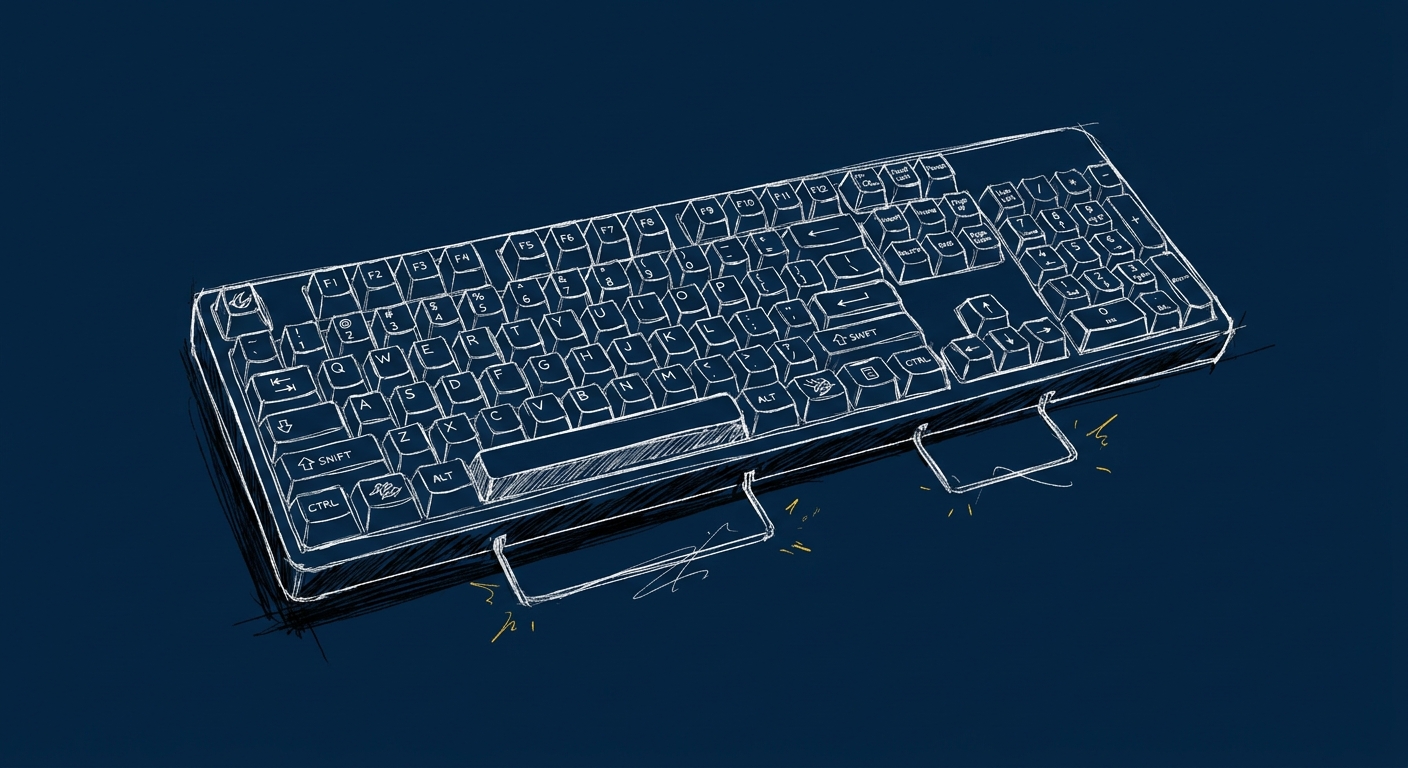
A good mechanical keyboard can transform the way you type, work, and game, it’s not just about the click; it’s about feel, durability, and personalization. The market in 2026 is crowded with choices, but the right board comes down to three things: switch type (tactile, linear, or clicky), form factor (full‑size, tenkeyless, or compact), and connectivity (wired, wireless, or both). Weighing these factors against your budget and daily use is key. The models below have earned strong reputations through consistent owner satisfaction, expert reviews, and real‑world feedback. We’ve focused on quality, value, and reliability, no gimmicks, just keyboards that deliver day after day.
Keychron K8 Pro
the do‑it‑all default
4.7out of 5The Keychron K8 Pro nails the balance between price, features, and build. Its hot‑swappable switches and dual wireless mean you can customize and connect without fuss. A rock‑solid choice for anyone looking for their first serious mechanical or an upgrade from gaming gear.
Price range: $$
Check price on Amazon →Logitech MX Mechanical
the polished office companion
4.5out of 5Logitech’s MX Mechanical brings a refined low‑profile feel, excellent multi‑device pairing, and outstanding battery life. It’s built for productivity with quiet switches, though it lacks hot‑swap options and is expensive for a board without customisation.
Price range: $$$
Check price on Amazon →Royal Kludge RK84
the budget powerhouse
4.2out of 5The Royal Kludge RK84 packs a surprising number of features into a low price: hot‑swap switches, wireless connectivity, and a compact 75% layout. Build quality is a step down from pricier boards, but for the cost it’s an unbeatable entry point.
Price range: $
Check price on Amazon →| Award | Model | Our score | Price | Best for | |
|---|---|---|---|---|---|
| Best overall | Keychron K8 Pro | 4.7 / 5 | $$ | Anyone wanting a versatile, customizable wireless board that works great in the office and | Check price → |
| Runner-up | Logitech MX Mechanical | 4.5 / 5 | $$$ | Professionals who need seamless switching between a desktop, laptop, and tablet, and want | Check price → |
| Best value | Royal Kludge RK84 | 4.2 / 5 | $ | Budget‑conscious buyers who want a wireless, hot‑swap keyboard without sacrificing layout | Check price → |
| Best for typing | Ducky One 3 | 4.6 / 5 | $$ | Typing purists and writers who value a perfect tactile feel and don’t need wireless or cus | Check price → |
The picks in detail
1. Keychron K8 Pro: the do‑it‑all default
Best overallThe Keychron K8 Pro nails the balance between price, features, and build. Its hot‑swappable switches and dual wireless mean you can customize and connect without fuss. A rock‑solid choice for anyone looking for their first serious mechanical or an upgrade from gaming gear.
Pros
- Hot‑swappable switch sockets let you change switches without soldering
- Reliable Bluetooth 5.1 and USB‑C connectivity for Mac/ Windows out of the box
- Solid aluminum frame with a clean, professional look
- Stellar battery life with a large built‑in capacity
Cons
- It’s a tenkeyless layout, so no number pad for heavy data entry
- Stock keycaps feel decent but some users swap them out for a nicer texture
- Slightly taller than low‑profile boards, may need a wrist rest for long sessions
Who it’s for
Anyone wanting a versatile, customizable wireless board that works great in the office and at home.Who should skip it
You need a full‑size layout with a numpad or prefer an ultra‑low‑profile typing angle.2. Logitech MX Mechanical: the polished office companion
Runner-upLogitech’s MX Mechanical brings a refined low‑profile feel, excellent multi‑device pairing, and outstanding battery life. It’s built for productivity with quiet switches, though it lacks hot‑swap options and is expensive for a board without customisation.
Pros
- Superb Logitech Flow multi‑device switching across three machines
- Low‑profile tactile switches that are quiet yet still satisfying
- Excellent battery life and fast USB‑C charging
- Solid build with a sleek, minimalist design
Cons
- Switches are soldered, no hot‑swap possible if you want a different feel
- Only available with Logitech’s own switch options (tactile quiet, linear, or clicky)
- Premium price that doesn’t include a detachable USB cable or extra keycaps
Who it’s for
Professionals who need seamless switching between a desktop, laptop, and tablet, and want a quiet, low‑profile typing experience.Who should skip it
You prefer a traditional full‑height mechanical feel, or you want to customise switches down the road.3. Royal Kludge RK84: the budget powerhouse
Best valueThe Royal Kludge RK84 packs a surprising number of features into a low price: hot‑swap switches, wireless connectivity, and a compact 75% layout. Build quality is a step down from pricier boards, but for the cost it’s an unbeatable entry point.
Pros
- Hot‑swappable switch sockets allow easy customisation
- Compact 75% layout includes arrow keys and function row without wasting space
- Bluetooth, 2.4 GHz wireless, and USB‑C wired modes for flexibility
- RGB lighting and per‑key programmability via software
Cons
- Build feels a bit hollow and lightweight compared to aluminum‑frame boards
- Included 2.4 GHz dongle can sometimes lose pairing after a system restart
- Stock keycaps are thin and may develop shine quickly
Who it’s for
Budget‑conscious buyers who want a wireless, hot‑swap keyboard without sacrificing layout practicality.Who should skip it
You need a premium typing feel out of the box or plan to use it in a professional setting where build heft matters.4. Ducky One 3: the typist’s dream
Best for typingDucky’s One 3 is built for pure typing pleasure: superb stabilizers, a wide range of genuine Cherry MX and Kailh switch options, and excellent out‑of‑the‑box sound and feel. It’s wired only and relatively large, but if you want the most satisfying typing experience, this is it.
Pros
- Outstanding factory‑lubed stabilizers deliver a quiet, rattle‑free sound
- Wide selection of switch choices from Cherry MX, Kailh Box, and others
- High‑quality double‑shot PBT keycaps that last and resist shine
- Solid, dense build with a classic tenkeyless design that won’t slide
Cons
- Wired USB‑C only, no wireless connectivity at all
- No hot‑swap sockets; switch changes require soldering or a new board
- Lacks dedicated software for remapping keys (on‑board controls are limited)
Who it’s for
Typing purists and writers who value a perfect tactile feel and don’t need wireless or custom switch swapping.Who should skip it
You need Bluetooth or multiple device switching, or you want the ability to swap switches without soldering.Best for specific needs
Best for wireless versatility
If you switch between a desktop, laptop, and tablet throughout the day, a wireless keyboard with seamless multi‑device pairing is essential. The Keychron K8 Pro offers Bluetooth 5.1 that remembers up to three devices, plus a physical switch to toggle between them instantly. It works flawlessly on both Mac and Windows right out of the box. Our pick: Keychron K8 Pro.
Best for quiet office work
Open‑plan offices call for keyboards that won’t distract coworkers. The Logitech MX Mechanical uses low‑profile tactile switches that are remarkably quiet while still providing a satisfying bump. Combined with its excellent battery life and Logitech Flow support, it’s the ideal choice for distraction‑free productivity. Our pick: Logitech MX Mechanical.
Best for custom layouts on a budget
Customising switches and keycaps shouldn’t break the bank. The Royal Kludge RK84 gives you hot‑swap sockets, a compact 75% layout, and both Bluetooth and 2.4 GHz wireless for It’s the cheapest way to experiment with different switch types and build a keyboard that feels uniquely yours. Our pick: Royal Kludge RK84.
Our verdict
No matter which path you take, the best mechanical keyboard for 2026 matches your daily workflow and personal feel. For most people, the Keychron K8 Pro offers the best combination of wireless freedom, customizability, and build quality. If you need a quieter, more integrated office tool, the Logitech MX Mechanical is a polished alternative. Budget builders will find a gem in the Royal Kludge RK84, and typing enthusiasts will love the pure, deliberate feel of the Ducky One 3. Choose the one that fits your desk, and your fingers.
Frequently asked questions
What makes a mechanical keyboard better than membrane?
Mechanical keyboards use individual switches under each key that provide tactile feedback, a defined actuation point, and consistent travel distance. Membrane keyboards use a rubber dome sheet that collapses without a clear actuation feel. Mechanical switches are more precise, more durable (rated for 50-100 million keystrokes), and more satisfying to type on, the difference is immediately noticeable.
What is a hot-swap keyboard?
Hot-swap keyboards have PCB sockets that let you remove and insert switches without soldering. You can change the feel of the keyboard entirely, from clicky to tactile to linear, by swapping the switches in minutes. Not all mechanical keyboards are hot-swap; it's the single most practical customization feature for beginners.
Do I need a gaming keyboard or a typing keyboard?
The distinction is mostly marketing. The same mechanical switches work for both. Gaming keyboards often add per-key RGB and macro keys; typing-focused keyboards often prioritize build quality and sound dampening. Choose by what you actually value, not the category label.
What form factor should I choose?
Full-size (100%) includes the numpad. Tenkeyless (TKL/80%) drops it to save space. 75% keeps arrow keys and some function keys compactly. 65% drops function row but keeps arrow keys. 60% is the most compact, function-row and arrow key free. Smaller means more desk space and portability; larger means more keys without key combinations.
How do I know which switch to pick?
Linear (like Cherry MX Red): smooth travel with no bump, quieter, preferred for gaming. Tactile (like Cherry MX Brown): a bump at actuation without an audible click, good all-rounder. Clicky (like Cherry MX Blue): loud click at actuation, satisfying for typing. Buy a switch tester for $10-20 before committing to a full keyboard.