Monitor resolution guide
Updated June 2026Independently researchedNo paid placement.
For most people, 1440p (QHD) on a 27-inch monitor offers the best balance of sharpness and performance. 1080p remains a solid choice for budget setups and smaller screens up to 24 inches, while 4K shines for creative work and immersive gaming on 27- to 32-inch displays, but requires scaling and a capable graphics card.
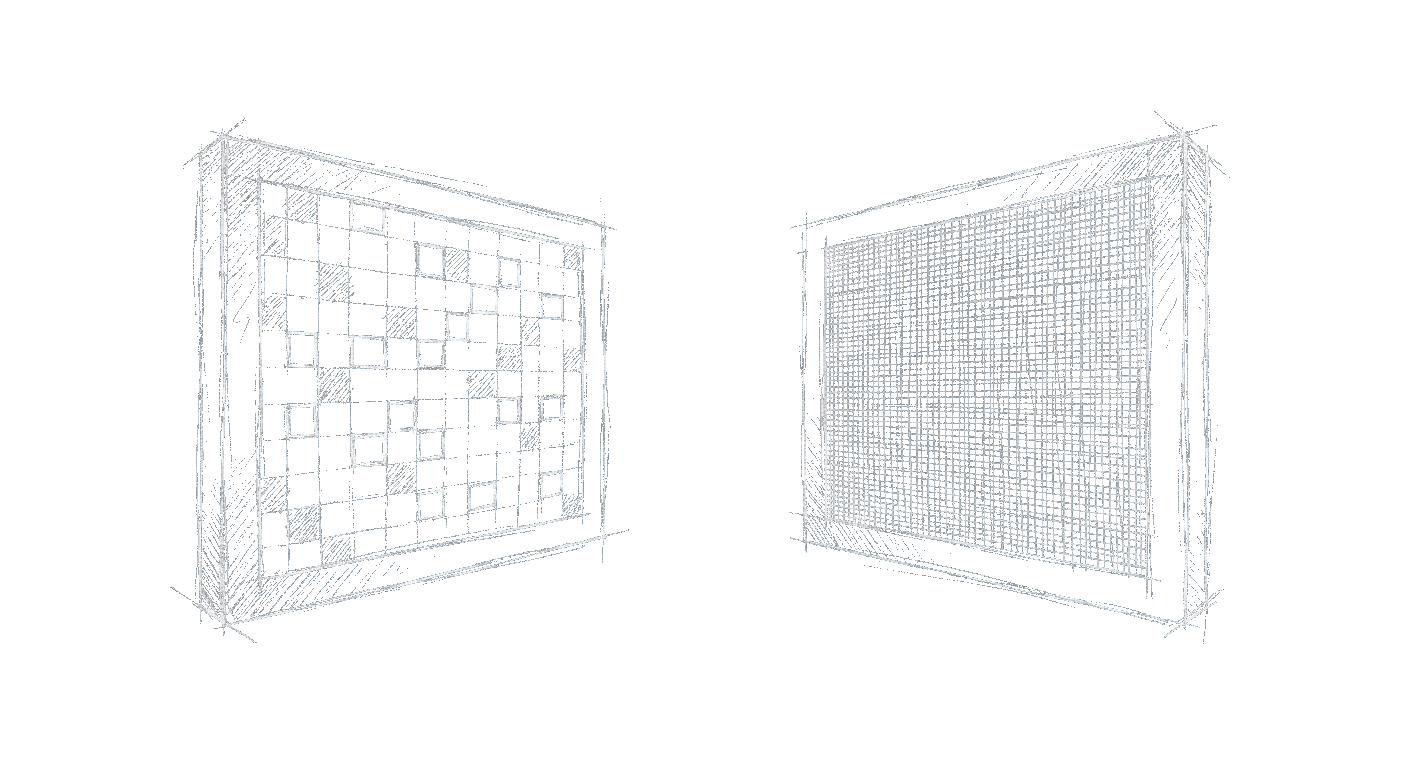
How screen size determines your best resolution
Resolution alone doesn’t tell you how sharp a monitor looks, pixel density (PPI) does. A 24-inch 1080p monitor has roughly 92 PPI, which is perfectly readable without scaling. Stretch that same 1080p resolution to 27 inches and the pixel density drops to about 82 PPI, making individual pixels visible and text look softer. A good rule: for 24 inches and under, 1080p is fine; for 27 inches, 1440p gives a crisp ~108 PPI; for 27 to 32 inches, 4K delivers a very sharp ~140 PPI. Go above 32 inches and 4K still works, but you may need to sit farther back to see the full screen comfortably.
What scaling is and why you need to know about it
Scaling adjusts how large or small interface elements appear on screen. A 27-inch 4K monitor with no scaling would show tiny text and icons because the native resolution packs four times as many pixels as 1080p. Operating systems like Windows and macOS solve this by scaling up, typically 150% or 200%. so buttons and text stay readable. The catch? Scaling doesn’t always look perfect. Some older apps may appear blurry, and you lose some of the raw desktop space you expected. On Linux, scaling support is still inconsistent. Before buying a 4K monitor, make sure your OS and daily apps handle scaling well.
Is 1080p still worth buying in 2025?
Absolutely, for the right use case. A 24-inch 1080p monitor remains a budget-friendly choice for office work, general browsing, and competitive gaming where high refresh rates matter more than resolution. You don’t need a powerful graphics card to push high frame rates at 1080p, which keeps system costs low. Where 1080p falls short is creative work like photo editing or design, where fine detail matters, and on larger screens where the lower pixel density makes text look grainy. For a secondary monitor or a dedicated gaming display under 25 inches, 1080p still makes sense.
1440p: the sweet spot for most people?
QHD (2560×1440) is widely considered the best all-around resolution for 27-inch monitors. It offers significantly more screen real estate than 1080p, roughly 78% more pixels, without the hefty GPU demands of 4K. Text and icons are sharp without needing scaling, and games look noticeably more detailed without killing frame rates. For productivity, 1440p on a 27-inch is ideal for side-by-side windows. For gaming, it hits a nice balance between visual fidelity and performance, especially with a mid-range card. The main drawback: you’ll rarely find 1440p monitors smaller than 27 inches, so it’s not a good fit for compact desks.
4K: who really needs it, and on what size?
4K (3840×2160) is best suited for creative professionals, photographers, video editors, and designers, who need to see fine detail at 100% zoom. It also benefits anyone who works with multiple documents or coding windows, since you can fit a lot on screen (with scaling off or at low percentages). For gamers, 4K offers stunning visuals but demands a high-end GPU to maintain smooth frame rates, even with upscaling tech. The ideal size for 4K is 27 to 32 inches. Smaller than 27 inches and scaling becomes a necessity (making text tiny without it); larger than 32 inches and you may see pixelation at normal viewing distances. Keep in mind that 4K also requires a good panel, not all 4K monitors have great color accuracy or contrast.
Resolution vs refresh rate: which matters more for gaming?
This comes down to the type of games you play and your hardware. If you play fast-paced shooters or esports titles, a high refresh rate (144 Hz or higher) at 1080p will feel smoother than a 60 Hz 4K display. Motion clarity and low input lag directly affect your performance in competitive games. For immersive single-player games, resolution often matters more, 4K at 60 Hz looks gorgeous, and you don’t need ultra-high frame rates. Many gamers split the difference with 1440p and 144–165 Hz, which pairs well with mid-range GPUs like an RTX 3060 Ti or RX 6700 XT. Always choose your resolution based on your GPU’s capability first, then decide on refresh rate.
Frequently asked questions
Can my current graphics card run a 4K monitor?
It depends on what you plan to do. For basic desktop work, even an integrated GPU can output 4K at 60 Hz. For gaming or video editing, you’ll need at least a mid-range dedicated card (like an RTX 3060 or better) to get playable frame rates in modern titles at 4K, and may rely on upscaling tech such as DLSS or FSR.
Will 1440p look blurry on a 27-inch monitor?
No, quite the opposite. At 27 inches, 1440p provides a sharp ~108 PPI, which most people find perfectly crisp without any scaling. Text and images will look noticeably better than 1080p at the same size.
Is 1080p good enough for photo editing?
Only for casual use. Professional photo editing benefits from higher resolution because you can see more detail at 100% zoom. A 1440p or 4K monitor also gives you more room for tool palettes and reference images. If you shoot with a 24‑megapixel camera, 1080p won’t let you view the full image at its native resolution without zooming out.
Does 4K make text too small on a 27-inch monitor?
Without scaling, yes, text will be tiny and hard to read. With operating system scaling set to 150% or 200%, text becomes comfortable and very sharp. However, some older applications may not scale cleanly, leading to blurry text in those programs.
Should I choose 1440p or 4K for gaming?
If you have a mid-range GPU (around an RTX 3060 or RX 6600), 1440p is the safer choice because you’ll hit higher frame rates without lowering settings too much. If you have a high-end card (RTX 3080 or better) and enjoy immersive single-player games, 4K at 60 Hz looks beautiful. Competitive players usually prefer 1440p with a high refresh rate.
What resolution is best for dual monitors?
Consistency matters most. Using two monitors with the same resolution and size avoids mismatched pixel densities and scaling headaches. 1080p on two 24-inch monitors or 1440p on two 27-inch monitors are common, balanced setups. Mixing 4K and 1080p leads to awkward scaling issues in most operating systems.