Best ergonomic office chairs
Updated June 2026Independently researchedNo paid placement.
The Herman Miller Aeron is our top pick for its highly adjustable design and broad comfort range.
The Steelcase Leap V2 is ideal for those with back pain, while the Gesture offers premium build and the Sayl brings signature design at a lower price point.
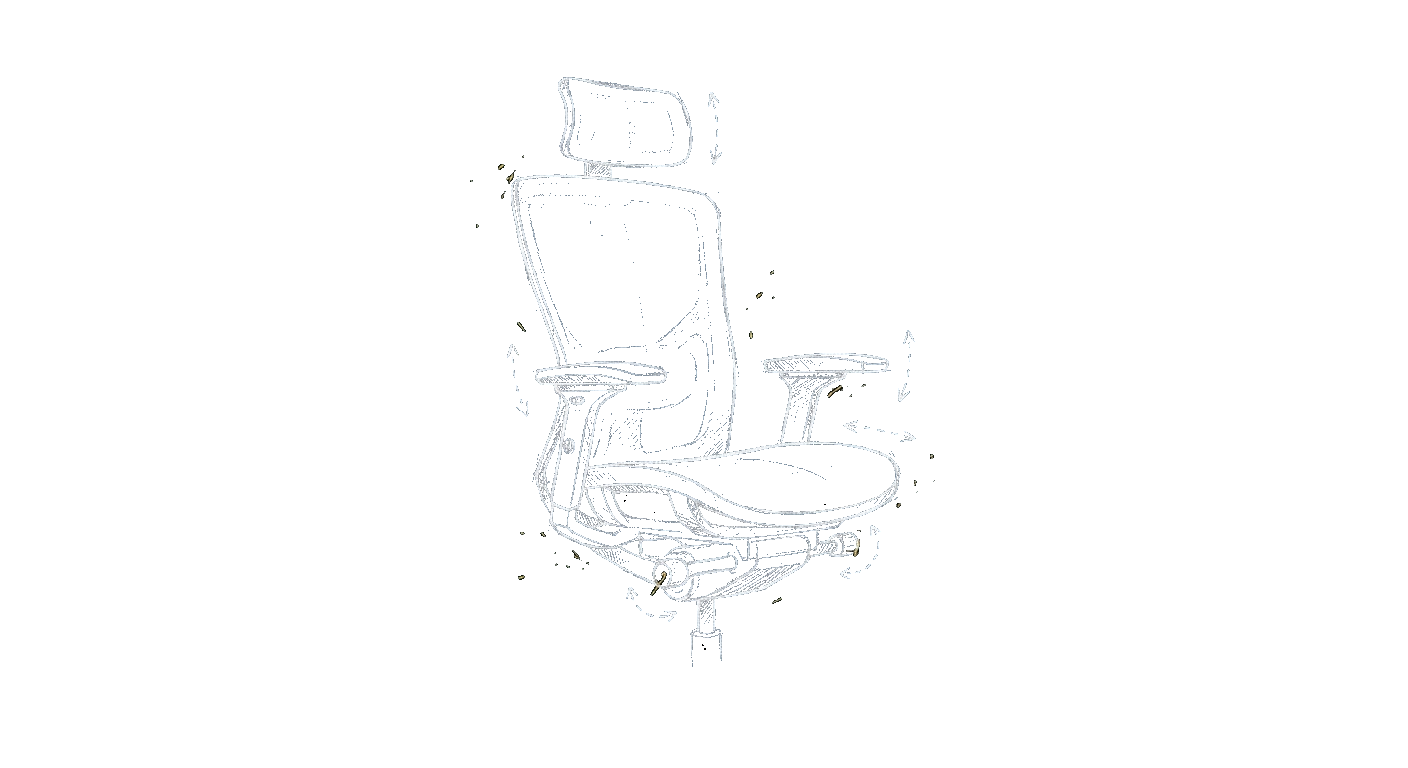
Spending eight hours in a chair that doesn’t fit is a fast track to back pain, poor posture, and lost productivity. An ergonomic chair isn’t a luxury, it’s a tool that supports long work sessions by letting you adjust everything from seat height and depth to lumbar support and arm position. To choose the right one, focus on adjustability range (seat tilt, armrests, lumbar), material breathability, and your body dimensions. Budget matters, but a well-anchored used chair from a top brand often outlasts a flashy new one from a generic manufacturer. Prioritize the features that match your biggest physical complaints, lower back, neck, or hips, and don’t compromise on return policies.
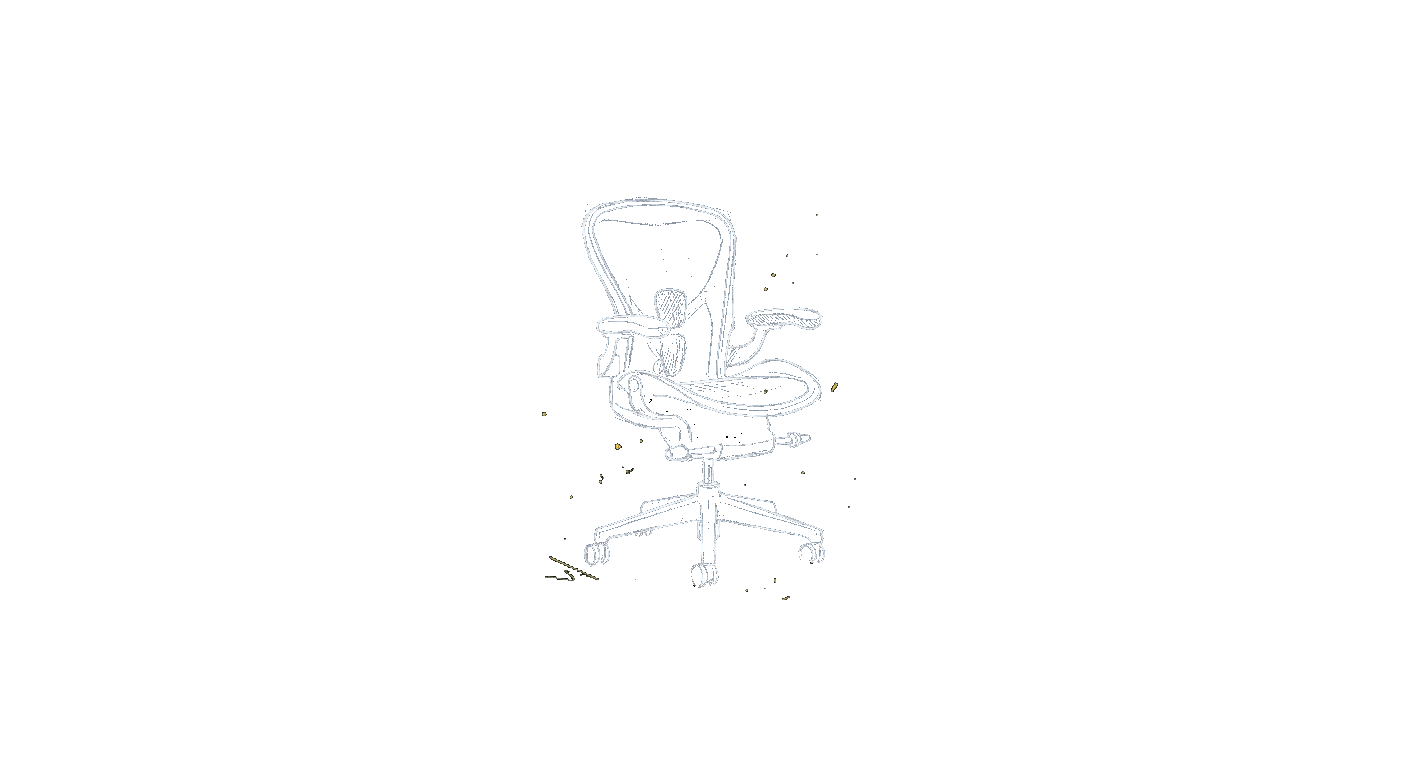
Herman Miller Aeron
the do-it-all default
4.8out of 5The Aeron remains the benchmark for ergonomic seating. Its eight-hour mesh back and tension-adjustable lumbar support keep you comfortable through long workdays. The polished design and build quality justify the premium price for serious users.
Price range: $$$$
Check price on Amazon →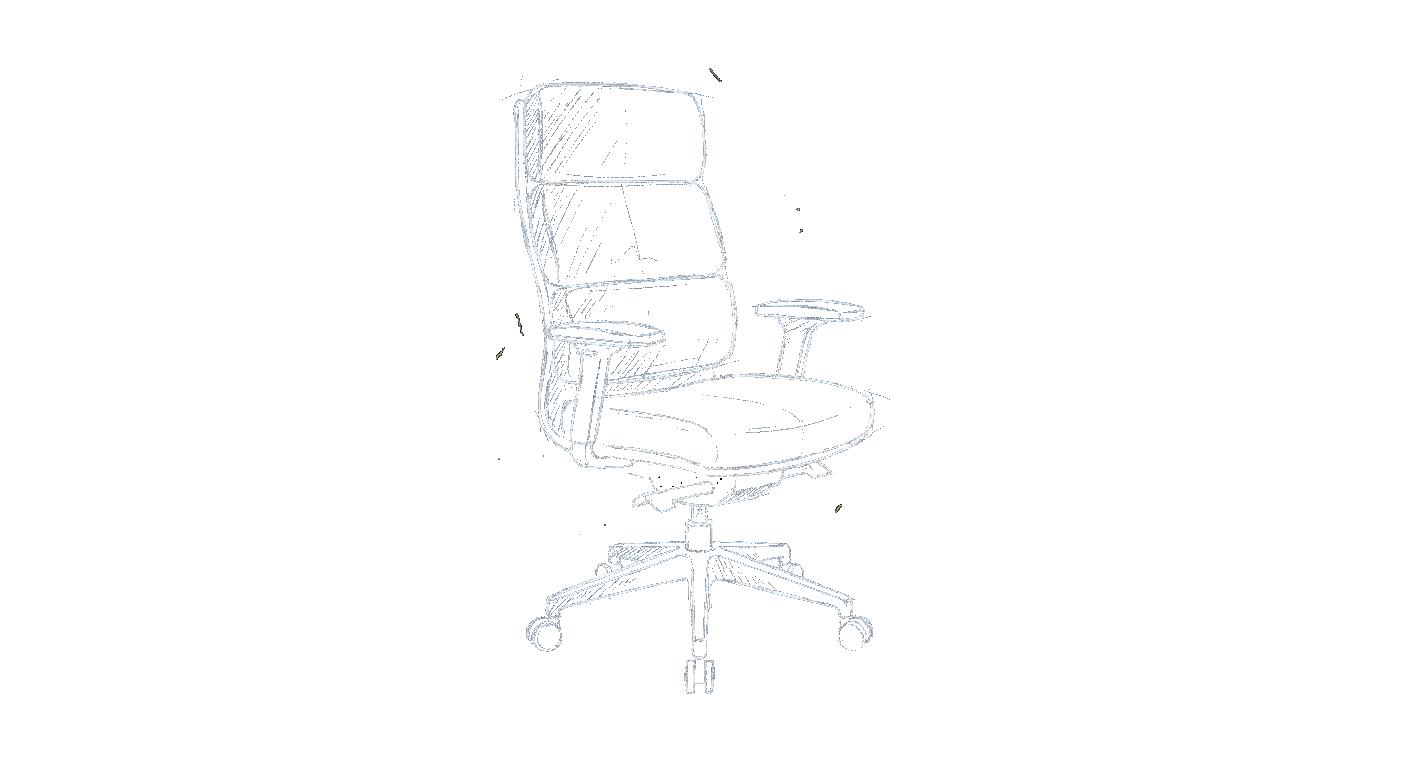
Steelcase Leap V2
the back-pain specialist
4.7out of 5The Leap V2‘s live-back technology adjusts independently to your spine’s natural curve, offering exceptional lumbar and upper-back support. It’s widely recommended by physical therapists for chronic back issues. The build is sturdy, though the foam seat can feel firm initially.
Price range: $$$
Check price on Amazon →Steelcase Gesture
the premium all-rounder
4.8out of 5The Gesture‘s CoreFlex back and adjustable arms (360-degree movement) make it incredibly versatile for modern work positions. It supports upright leaning, reclining, and even cross-legged sitting. The price is high, but the engineering is top-tier.
Price range: $$$$
Check price on Amazon →| Award | Model | Our score | Price | Best for | |
|---|---|---|---|---|---|
| Best overall | Herman Miller Aeron | 4.8 / 5 | $$$$ | Anyone who spends 8+ hours a day seated and wants a long-lasting, highly adjustable chair. | Check price → |
| Runner-up | Steelcase Leap V2 | 4.7 / 5 | $$$ | Those with existing lower or upper-back pain who need targeted, adjustable support. | Check price → |
| Best value | Steelcase Gesture | 4.8 / 5 | $$$$ | People who shift positions frequently or use multiple devices and need armrests that can m | Check price → |
| Best design value | Herman Miller Sayl | 4.5 / 5 | $$ | Style-conscious buyers who want a quality ergonomic chair at a mid-range price. | Check price → |
The picks in detail
1. Herman Miller Aeron: the do-it-all default
Best overallThe Aeron remains the benchmark for ergonomic seating. Its eight-hour mesh back and tension-adjustable lumbar support keep you comfortable through long workdays. The polished design and build quality justify the premium price for serious users.
Pros
- Highly breathable mesh back and seat
- Extensive adjustability including seat tilt and arm height/width
- Proven durability with a 12-year warranty
- Wide range of sizes to fit different body types
Cons
- No headrest option from the factory
- Edge of seat can feel firm for some users
- Premium pricing puts it out of reach for budget buyers
Who it’s for
Anyone who spends 8+ hours a day seated and wants a long-lasting, highly adjustable chair.Who should skip it
You need a headrest or prefer a plush, cushioned seat over mesh.2. Steelcase Leap V2: the back-pain specialist
Runner-upThe Leap V2‘s live-back technology adjusts independently to your spine’s natural curve, offering exceptional lumbar and upper-back support. It’s widely recommended by physical therapists for chronic back issues. The build is sturdy, though the foam seat can feel firm initially.
Pros
- Patented LiveBack flexible back that mimics spine movement
- Highly adjustable lumbar support (height and depth)
- Solid steel frame with a hard-wearing foam cushion
- Seat depth adjustment suits a range of leg lengths
Cons
- Seat foam can be too firm for lightweight users
- Armrests are better than average but not as smooth as the Gesture
- Less breathable than mesh-back models like the Aeron
Who it’s for
Those with existing lower or upper-back pain who need targeted, adjustable support.Who should skip it
You prefer a mesh seat for hot climates or want a chair with a headrest.3. Steelcase Gesture: the premium all-rounder
Best valueThe Gesture‘s CoreFlex back and adjustable arms (360-degree movement) make it incredibly versatile for modern work positions. It supports upright leaning, reclining, and even cross-legged sitting. The price is high, but the engineering is top-tier.
Pros
- Industry-best armrests that adjust in multiple directions
- Flexible backrest that moves with you in any posture
- Excellent build quality and premium materials
- Quiet, smooth recline mechanism with tension control
Cons
- Heaviest chair in this roundup, at
- Limited breathability compared to mesh chairs
- Very expensive, often more than the Aeron
Who it’s for
People who shift positions frequently or use multiple devices and need armrests that can move with them.Who should skip it
You have a tight budget or need a highly breathable mesh seat for a warm office.4. Herman Miller Sayl: the design-forward value
Best design valueThe Sayl offers signature Herman Miller design and ergonomics at a lower price point. Its suspension back and polished aluminum frame look striking, while the adjustability is solid for the price. However, the fixed lumbar support and limited seat depth adjustment may not suit everyone.
Pros
- Sleek, modern design with a suspended back for flexibility
- Lighter weight and more affordable than its siblings
- Good lumbar support with a supportive tensioned mesh
- Eco-friendly construction with recycled materials
Cons
- Lumbar support is not adjustable in height or depth
- Seat depth is fixed, limiting fit for taller/shorter users
- Armrests are less adjustable than those on the Leap or Gesture
Who it’s for
Style-conscious buyers who want a quality ergonomic chair at a mid-range price.Who should skip it
You need extensive adjustability (especially lumbar and seat depth) or weigh over 250 pounds.Best for specific needs
Best for all-day comfort
The Herman Miller Aeron excels when you’re in the chair from start to finish. Its mesh keeps you cool, and the extensive tilt and arm adjustments let you shift positions without leaving the seat. If you need a chair that disappears under you for eight hours, this is it. Our pick: Herman Miller Aeron.
Best for back pain relief
The Steelcase Leap V2 is built to address chronic pain. The LiveBack system moves with you and provides targeted support exactly where you need it. Many ergonomic clinics use it because it can dial in lower and upper back support independently. Our pick: Steelcase Leap V2.
Best for modern work styles
The Steelcase Gesture works for the way people actually work today, leaning forward for a laptop, reclining for a phone call, or sitting cross-legged on a video meeting. Its armrests are the most versatile, and the back follows every twist and stretch. Our pick: Steelcase Gesture.
Our verdict
If your workday runs long, the Herman Miller Aeron remains the most reliable investment. For targeted back support, the Steelcase Leap V2 is hard to beat. And if you value design and adjustability at a lower price, the Sayl is a smart compromise. Whichever you choose, prioritize a chair that lets you adjust seat height, armrests, and lumbar support to your body.
Frequently asked questions
What makes a chair truly ergonomic?
Adjustability that lets the chair fit your body rather than forcing your body to fit it: seat height and depth, adjustable lumbar support, multi-position armrests, and a tilt mechanism that supports movement. The word gets used loosely in marketing, so look for the actual range of adjustments, not just the label.
How many adjustment points should an ergonomic chair have?
The essentials are seat height, seat depth, lumbar height or depth, armrest height, and recline tension, roughly five core adjustments. Higher-end chairs add armrest width and angle, headrest, and seat-angle tilt. More isn’t automatically better; what matters is that the adjustments you’ll actually use fit you well.
What is synchro-tilt and do I need it?
Synchro-tilt reclines the backrest and seat together at a set ratio so your posture stays supported as you lean back, keeping your feet planted. It encourages healthy movement through the day and is a worthwhile feature on a chair you’ll sit in for hours, though not strictly essential for light use.
Are ergonomic chairs worth it if I sit all day?
If you sit for full workdays, an adjustable ergonomic chair is one of the highest-value upgrades you can make, it directly affects comfort, posture, and how you feel by late afternoon. The cost spread over years of daily use is small compared with the difference it makes to long sitting sessions.
How do I know if a chair fits my body size?
Check the seat width and depth against your hips and thigh length, the backrest height against your torso, and the weight rating against your own with margin to spare. Taller and larger users especially should confirm the seat is deep and wide enough; some chairs offer size variants for exactly this reason.